Spanish
 Catalan
 English
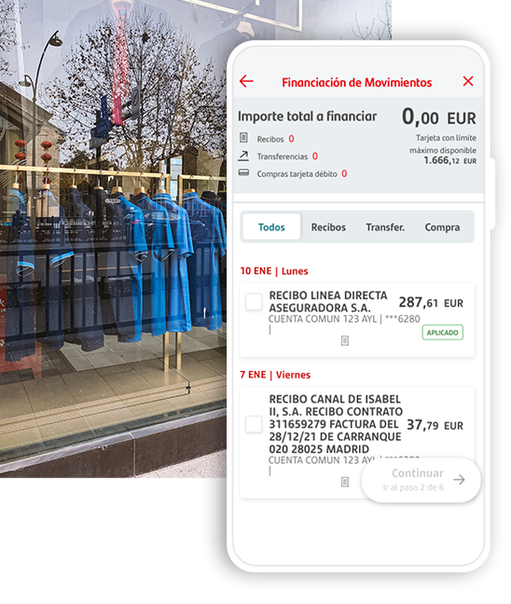
1
Select what you want to split
In your Santander App, go to the section for financing activities, and select the movements you want to pay in instalments.
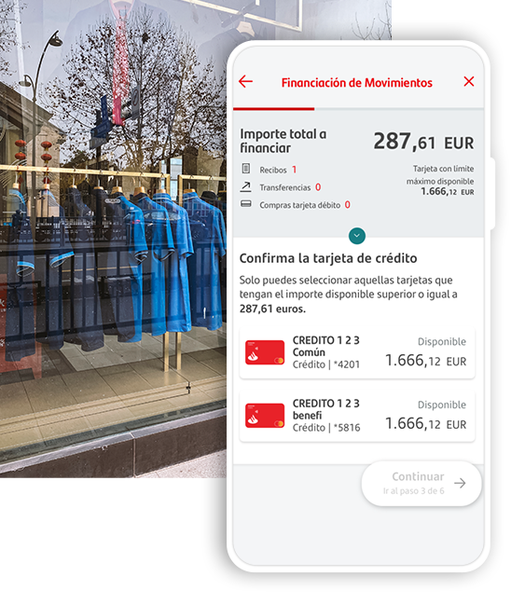
2
Confirm the card
Confirm the credit card you will be using to finance. The sum of any activities you wish to finance must be more than EUR 100.
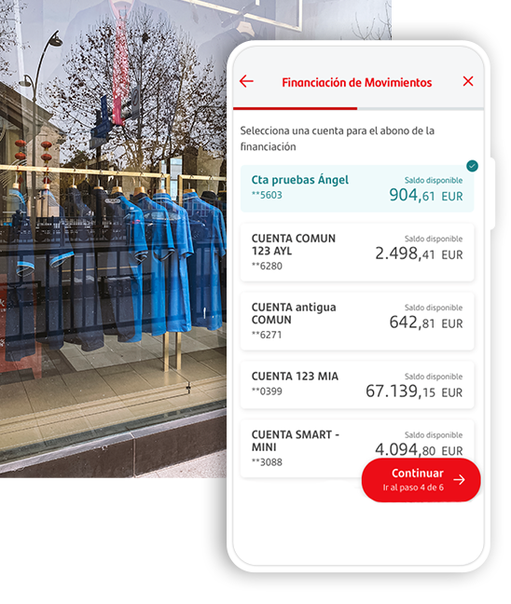
3
Select an account
Select an account for the amount to be paid.
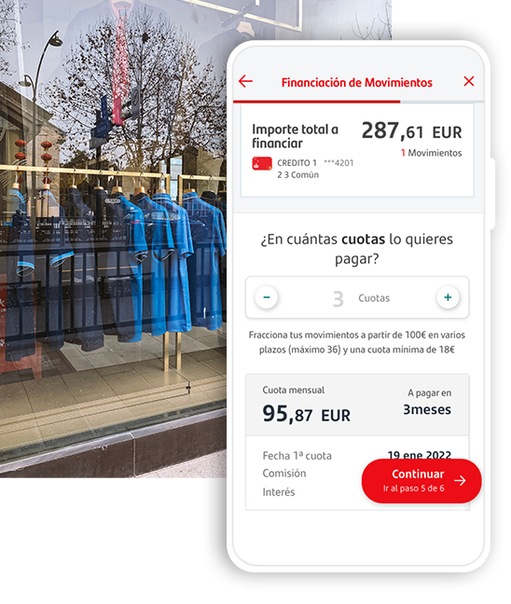
4
Choose the number of instalments
Choose the number of instalments.
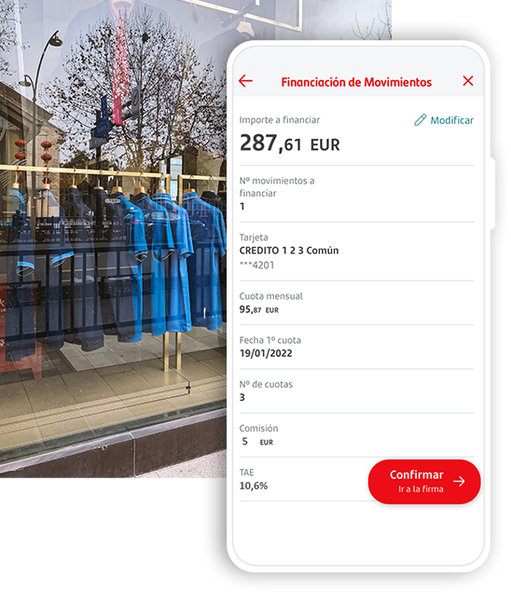
5
Confirm the transaction
Check and confirm the transaction.